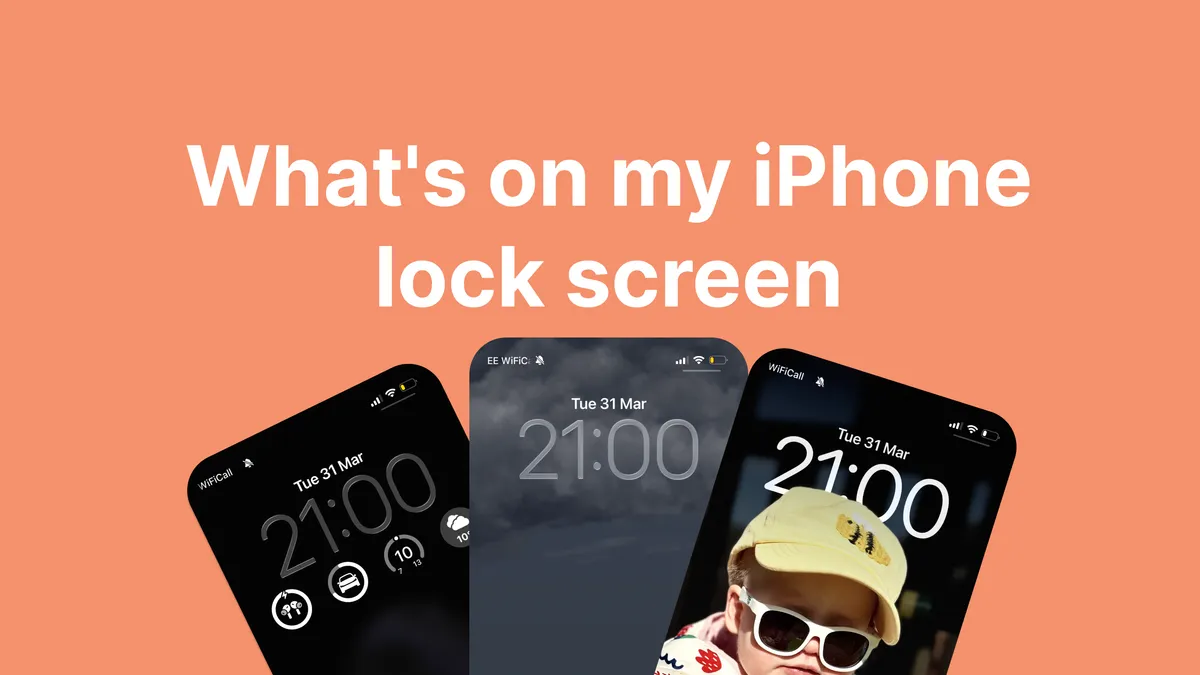
A couple of years ago I wrote about what’s on my iPhone home screen. The home screen hasn’t changed dramatically since then (creature of habit, remember?) but where things have really evolved is my lock screen.
Since Apple introduced Focus Modes and the ability to tie lock screens to them, I’ve gone from one generic lock screen to several purpose-built setups that change automatically throughout the day. It’s the kind of feature that sounds gimmicky until you actually use it, and then you wonder how you ever lived without it.
What are Focus Modes?
If you’re not familiar, Focus Modes are Apple’s replacement for the old Do Not Disturb toggle. Instead of a simple on/off mute, you can create different modes that control which notifications come through, which apps appear on your home screen and, crucially, which lock screen is shown.
You can trigger them manually, but the real magic is in the automation. Mine switch based on time of day, location or both. Once you set them up, you forget about them entirely. Your phone just adapts to what you’re doing.
I run four main ones:
- Work
- Holiday
- Sleep
- Default
Work mode
This is the one I see most often. It kicks in on weekday mornings and runs through the working day.
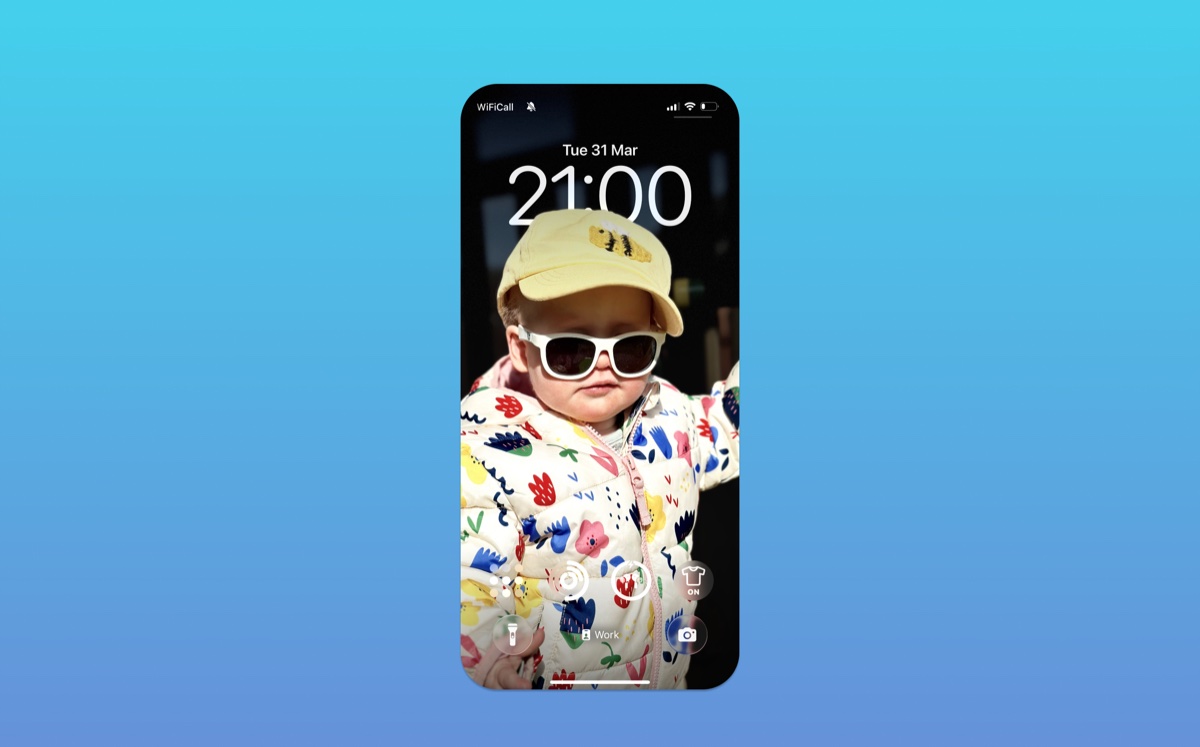
The wallpaper is a photo of my daughter looking absolutely baller. It’s the kind of photo that makes you smile every time you pick up your phone, which is no bad thing when you’re about to open Slack.
For widgets, I keep it focused on the stuff I actually need during the day:
- Tailscale - We use Tailscale across Add Jam for accessing dev environments and internal services. Having the widget on my lock screen means I can see at a glance whether I’m connected to the tailnet without opening the app. Small thing, but it saves me a surprising amount of faffing.
- Activity rings - The Apple Watch rings widget. Mostly serves as a guilt trip for not standing up enough. It does its job.
- Battery widget - In theory this shows my phone battery, but in practice it almost always shows my AirPods battery instead. I wear AirPods Pro often throughout the working day for calls and music (or generally jut noise cancelling), so knowing their charge level is genuinely useful.
- Braw Weather (Taps Aff widget) - This is a new app we made here at Add Jam. It’s a weather app built for Scotland with a proper Scots vocabulary and, most importantly a Taps Aff widget. The lock screen widget gives me a quick read whether it’s taps aff weather (spoiler - usually its not).
Holiday mode
This one activates when I’m away from home or when I manually flip it on for days off. The whole vibe shifts towards weather and outdoors.
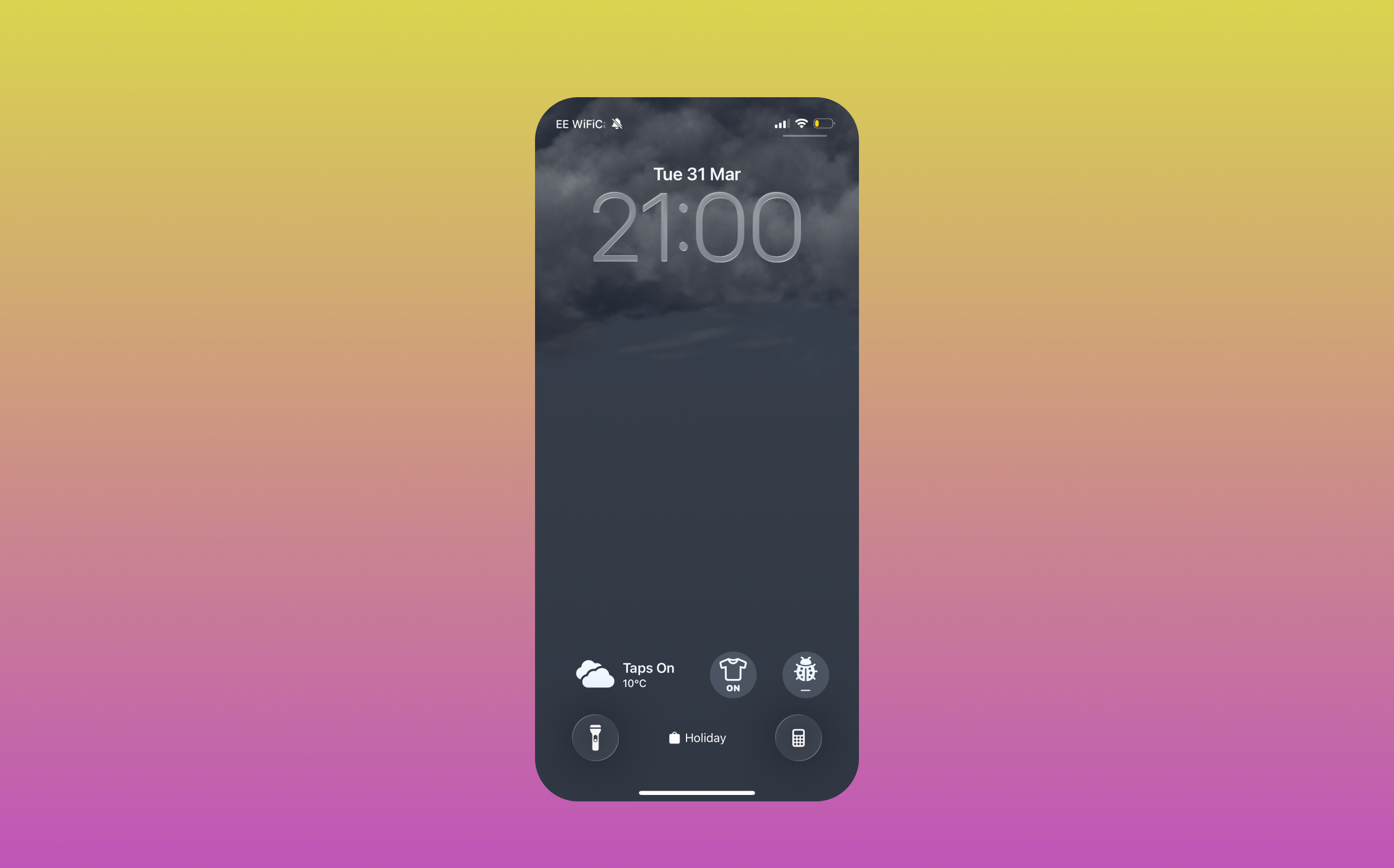
The wallpaper is the built in weather-based dynamic background, so it changes with the actual conditions outside. Rain? Your lock screen matches. Rare sunshine? It matches that too. It’s a nice touch that makes the phone feel a bit more alive.
The widgets are all about being outside:
- Braw Weather (Taps Aff widget) - On holiday mode, the Taps Aff widget earns its place even more. When you’re camping or heading to the beach, knowing whether it’s genuinely warm enough to have the taps aff is critical information. Especially in Scotland where “looks sunny from inside” and “actually warm” are two very different things.
- Midge forecast - Also from Braw Weather. If you’ve ever been to the Scottish Highlands between May and September, you’ll know why this exists. Midges are tiny biting insects that can turn a lovely evening into a nightmare. Having a midge forecast on my lock screen has genuinely saved a few barbecues. “High midge activity” means we’re eating inside, no debate.
- Weather conditions - Temperature, wind, precipitation. The basics, but when you’re outdoors all day, you check them constantly.
When in this focus mode notifications are stripped right back. No notifications from ‘work’ apps (Slack, email, github etc etc) show up on my homescreen.
Sleep mode
Sleep mode is the simplest of the three. It activates automatically at bedtime through the Sleep Schedule in Health.
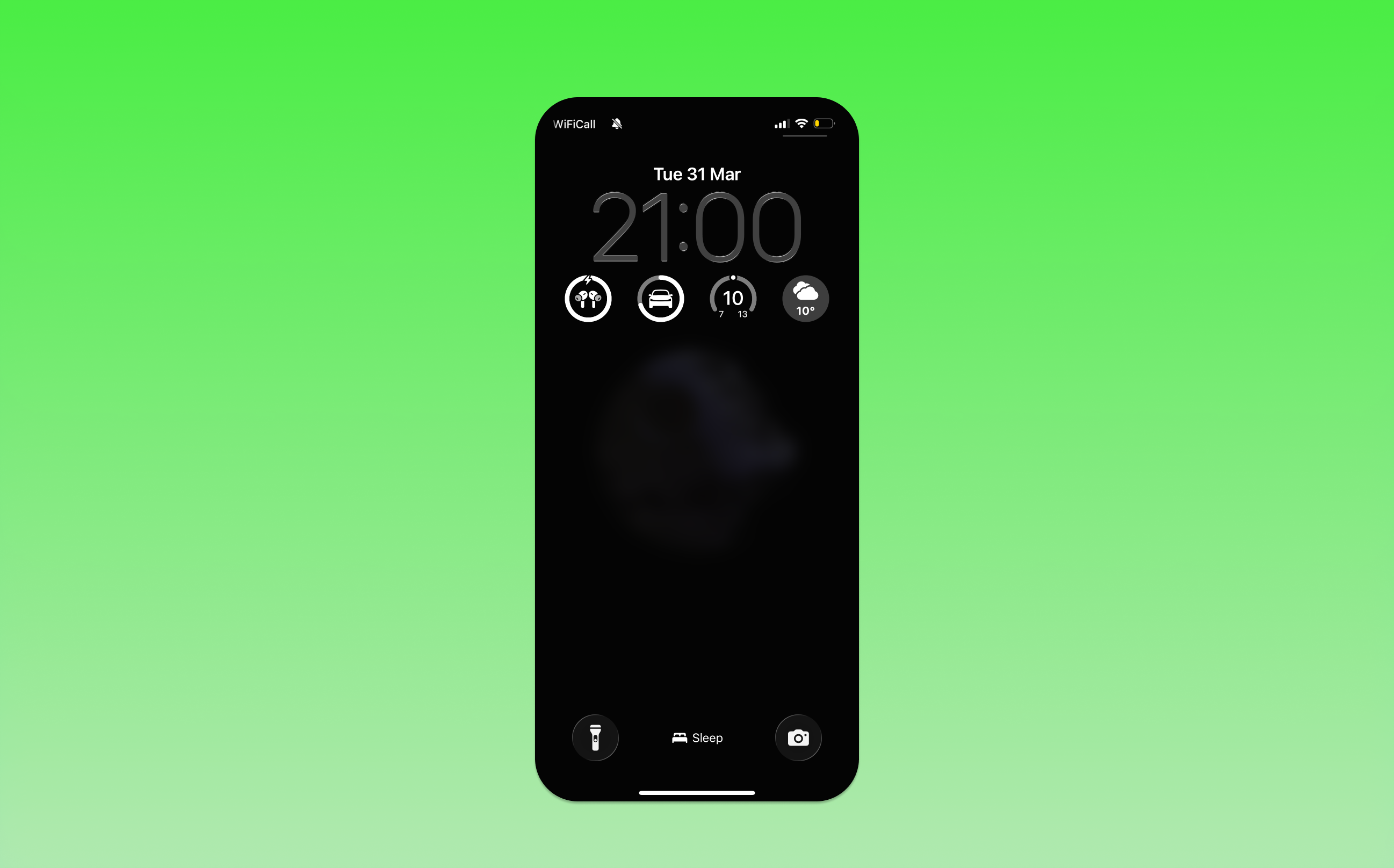
The wallpaper is plain and dark. No photos, no colour, just something that won’t blast your retinas when you glance at the time at 2am.
The widgets are minimal but practical:
- Tesla state of charge - I check this before bed more often than I’d like to admit. Is the car charged enough for tomorrow? Do I need to start a charge overnight? Having it right there on the lock screen means I don’t need to open the Tesla app and get sucked into adjusting the climate or checking the cameras. Just a quick glance at the percentage and back to sleep.
- Weather conditions - Mostly for the morning. A quick look at tomorrow’s conditions while I’m falling asleep helps me figure out what to wear or whether the kids need waterproofs. Standard Scottish planning.
- Battery - Again mostly used for my Airpods battery. I’ve developed a bad habit of needing a podcast playing to help me sleep at night
Why the lock screen matters more than you’d think
I didn’t expect to care this much about lock screens. For years, mine was just a photo with the time on it. But the combination of Focus Modes, automatic switching and purpose-built widget layouts means my phone surfaces different information at different times without me doing anything.
It’s a small thing. But small things compound. Not having to open apps just to check basic information genuinely reduces how much time I spend staring at my phone, which as a parent of two young kids, is time I’d rather spend elsewhere.
What’s on yours?
Same question I always ask at the end of these posts. Do you use Focus Modes? Have you set up multiple lock screens or is it still the same wallpaper from three years ago? I’m always curious how other people set up their phones, especially anyone who’s found creative uses for Focus Mode automations I haven’t thought of.
If you’re interested in the Braw Weather app and its widgets, you can check it out on the App Store. And if you’re building something for iOS and want to chat about widgets, Focus Modes or anything else, get in touch.