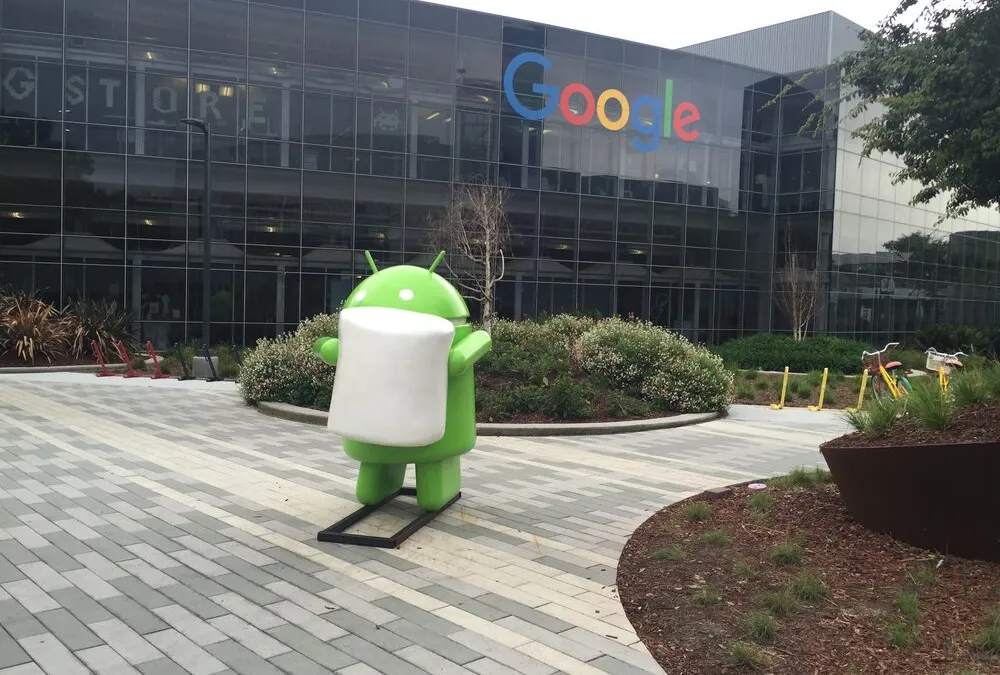
For a long time one of the largest detractions of the Android ecosystem was “Fragmentation”. Hardware makers shipped phones with their own custom ROMs that were slow to develop, carriers held up updates and a chunk of Android users would never see new platform features unless they bought a new phone. This left developers needing to cater for a range of SDK versions - Froyo (2.2), Kitkat (4.4), Lollipop (5.0), Nougat (6.0) and many more sweet treats. In reality this often meant just supporting the mostly commonly used lowest version. Adoption of new frameworks and technologies was slow.
Google has been pushing back against that for a long time. Project Treble in 2017 was the first big architectural shift to make platform updates easier. Then came the steady tightening of Play Store policies. The result, in 2026, is an Android ecosystem that looks very different from a decade ago. Most of your users are on something close to the latest version. New APIs actually get adopted within a year or two of release.
The trade-off is that Google now expects you to keep up. If you ship an app to the Play Store and treat it as “done” you are going to have a bad time.
The “ship and forget” era is over
There are a few specific policies driving this. None of them are new in 2026 but together they have changed how you need to plan an app’s lifetime.
Target API level requirements
For a while now Google has required new apps and app updates to target a recent Android version. The rough rule is that you must target the API level released the previous year. So in 2024 that meant Android 14 (API 34). In 2025, Android 15. And so on.
That part has been around for a while. The bigger change came in August 2023 when Google extended the rule to existing apps. From November 2023 onwards, any app that didn’t target an API level within two years of the latest Android release became invisible to new users on newer Android devices. Existing users could still find and use the app but everyone else stopped seeing it in search and discovery.
In practice this means an Android app you shipped two years ago and haven’t touched is probably already in trouble. It’s not strictly removed but it is being quietly throttled out of the store.
The 16 KB page size requirement
The newer one to pay attention to is the 16 KB memory page size requirement. Most Android devices today use 4 KB memory pages but newer hardware is moving to 16 KB pages for performance reasons.
From November 2025, all new apps and updates to existing apps targeting Android 15 or higher must support 16 KB page sizes. Google has been offering extensions to May 2026 for apps that need more time but the direction is clear.
If your app is pure Kotlin or Java and doesn’t include any native code, you’re probably fine. If you have native libraries (which most React Native and other cross-platform apps do via dependencies) you need to make sure those have been recompiled for 16 KB support. This is the kind of thing that tends to get caught at submission time, which is not when you want to find out about it.
Account closure
We’ve heard from other developers about Play Console accounts getting warnings about closure for not releasing app updates regularly enough. Google’s policies on inactive apps have been tightening and accounts that publish an app and then go silent for a long time have started receiving notices.
We don’t think this is widespread enforcement yet but the writing is on the wall. The Play Store wants apps that are actively maintained. If you’re not maintaining yours, it becomes a liability.
What this means for you
If you’re commissioning a mobile app or you already have one in production, the implications for your planning and budget are practical and unavoidable.
Treat updates as a recurring cost
The biggest mindset shift is that an Android app is no longer a project with a finish line. While you might expect to do an update here or there over its lifetime this is changing to being something that needs ongoing attention. Even if you don’t add a single new feature, you’ll need to bump the target SDK every year, update native dependencies as new requirements come in, test on new Android versions and push at least one update annually just to stay in good standing.
For a typical commercial app, plan for a few days of dedicated maintenance work per year just to keep things current. More if your app has a lot of native code or relies on SDKs that don’t get updated quickly. We try to flag this in every quote so it doesn’t come as a surprise twelve months in.
Be careful with dependencies
Every dependency you add is a bet that someone else will keep maintaining it. If they don’t, you inherit the work.
This was always a sensible rule of thumb but Play Store enforcement such as 16kb page size makes it more concrete. A native library that hasn’t been updated for 16 KB page support is a problem you have to solve if you want to ship updates. A library that hasn’t kept up with the latest target SDK is the same. The fewer of these you have, the smaller your maintenance burden becomes.
When you’re choosing between a heavy library that solves 100% of your problem and writing 80% of it yourself, the trade-off has shifted in favour of writing it yourself (especially with Claude Code and Codex) more often than it used to be. And when you do depend on something open source, consider contributing back when you can. The maintainers of the small libraries holding up your app are often a single person doing it in their spare time.
We touched on this in the tools our dev team actually uses and the same logic applies to your own app’s dependency tree. Pick fewer things and pick well.
Stay close to what Google is announcing
Google publishes its policy changes well in advance but the messaging is spread across the Android Developers Blog, the Play Console help docs, emails to Play Console account holders and the in-console notifications nobody reads. If you’re not paying attention, the first you’ll hear about a new requirement is when an upload gets rejected.
Google I/O 2026 runs on the 19th and 20th of May, and historically that’s where the big policy directions for the next year get telegraphed. If you’ve got an Android app in production, blocking out a couple of hours to watch the relevant sessions is probably the cheapest insurance you can buy.
The Android Developers Blog is also worth a subscription. Most of the painful surprises (target SDK deadlines, native library requirements, account changes) get a multi-month lead time there before they land in policy.
The bottom line
Building an Android app in 2026 is more like running a server than shipping a CD-ROM. It’s not one-off work. It’s an ongoing relationship with a platform that expects you to keep up.
That’s not a bad thing. The reason this happened is that Android genuinely is in better shape than it was for both developers and end users. Users are on newer versions, the platform is more secure and developers can use modern APIs without writing endless compatibility shims. The cost is that you can’t ignore your app once it ships.
If you’re planning a new app, factor a maintenance budget into the original quote rather than treating it as a “we’ll see how it goes” line item. If you’ve got an existing app and you haven’t updated it in over a year, schedule that work before Google does the scheduling for you.
If you’d like a hand getting an existing app back into compliance or budgeting properly for one you’re about to build, get in touch or book a free chat.