Wedding Inspiration: Wedding mood boards and planning
By Add Jam

Free on iPhone
- Price
- Free
- Category
- Lifestyle
- Works on
- iPhone
- Account
- Not needed
- Ads
- None
- Requires
- iOS 27 or later
About Wedding Inspiration
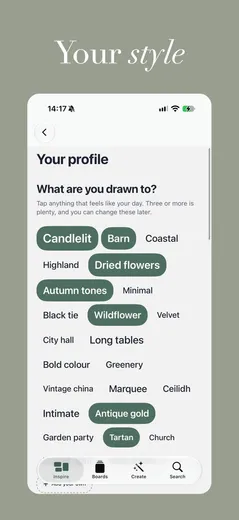
Wedding Inspiration helps you collect the ideas you love, then shape them into boards you can hand to a florist, a venue or your other half.
Browse a feed of wedding ideas, save what catches your eye and build a colour palette for each part of the day. Your boards stay private until you choose to share them.
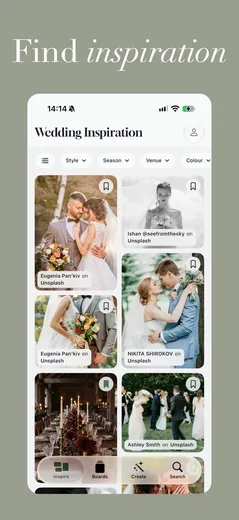
Find inspiration
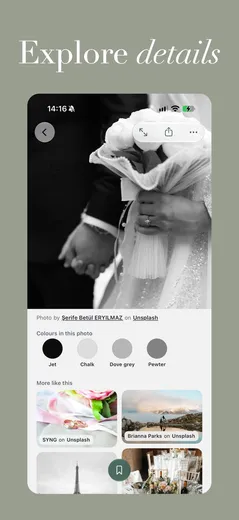
Browse wedding ideas, filter them by style, season, venue and colour, and save anything to a board in one tap.
Build your boards
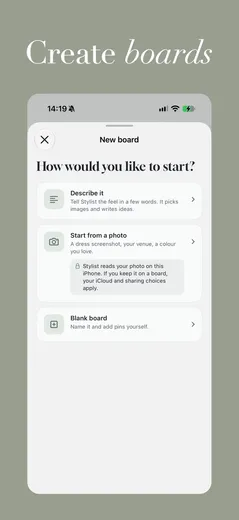
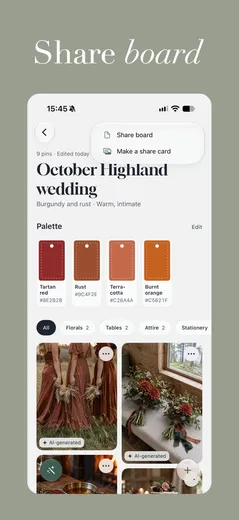
Give each part of the day its own board, with links, photos, notes and a colour palette.
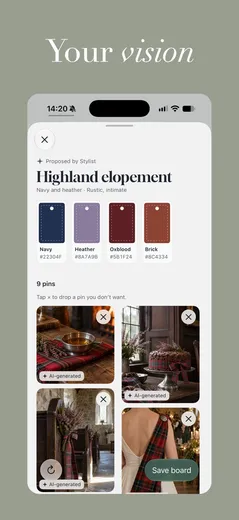
Start with Stylist
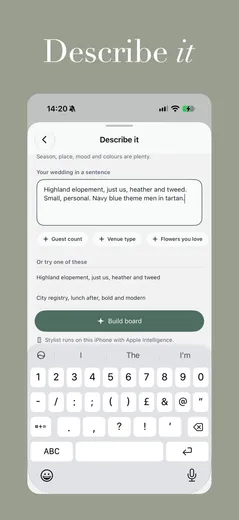
Describe your day in a few words, or start from a photo, and Stylist builds a first board for you.
Plan together
Keep boards up to date with iCloud, and invite your partner, family or planner to join in.
Share with suppliers
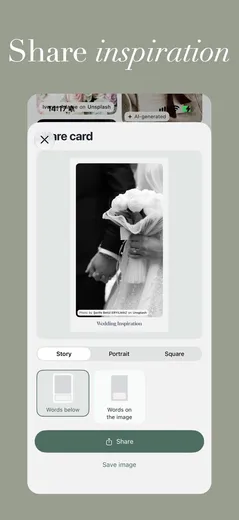
Send a PDF lookbook with your palette and photo credits, or share a single card.
Count down to the day
Home Screen and Lock Screen widgets count the days until your wedding.
Frequently asked questions about Wedding Inspiration
- Is Wedding Inspiration free?
- Yes. Everything in the app is free. There's no account to create, nothing to sign in to and there are no ads.
- Can I plan with my partner?
- Yes. Turn on iCloud and invite your partner, family or planner to a board. Nothing is shared until you invite someone, and your notes stay private to you.
- How do I share ideas with my florist or venue?
- You can send a PDF lookbook with your palette and photo credits, or share a pin, a board or a card.
- Does it use AI?
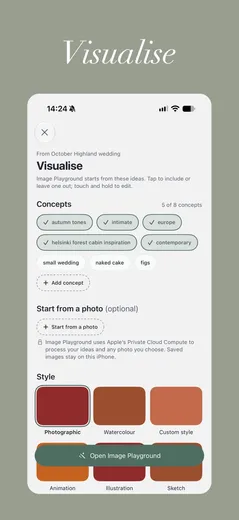
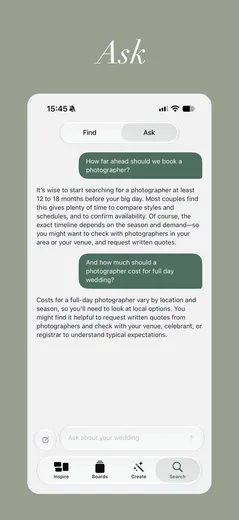
- Stylist and Ask use Apple Intelligence on your iPhone, and Visualise uses Image Playground. Without them you can still build boards yourself, and Ask answers from a reviewed wedding guide. Answers can be wrong, so check anything important.
Get Wedding Inspiration
Free on iPhone


